Track group trip expenses: a sample trip, step by step
Here is how a group trip looks in Trip Split, from the first note to the last transfer. The trip is made up: four friends on a weekend in Lisbon, with invented names and amounts.
Sample data. Nothing on this page is a real person’s trip. The numbers are worked out with the same functions the app uses.
The trip
Mia, Wang, Leo and Sam spend a weekend in Lisbon and settle in euros. Mia books the flat and pays for most things. Each person records what they pay on their own phone. These are the five expenses:
| Expense | Paid by | Amount | Shared by | How it was recorded |
|---|---|---|---|---|
| Airbnb, 4 nights | Mia | 612.00 EUR | All four | Typed: “Airbnb 4 nights 612, I paid” |
| Tuk-tuk tour | Wang | 48.00 EUR | All four | Typed |
| Pastéis de nata | Leo | 9.60 EUR | All four | Receipt photo |
| Dinner at Taberna | Mia | 86.40 EUR | Mia, Wang, Sam | Typed: “Dinner 86.40, I paid, Leo didn’t eat” |
| Coffee | Mia | 3.50 EUR | All four | Spoken, offline |
The group spent 759.50 EUR in all.
Step 1: create the trip and invite your friends
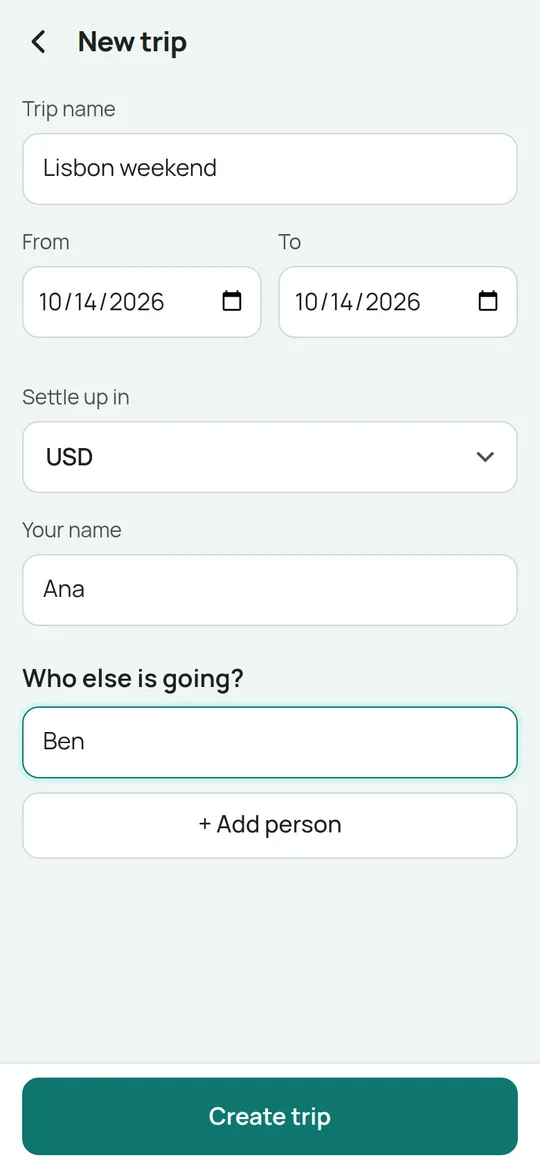
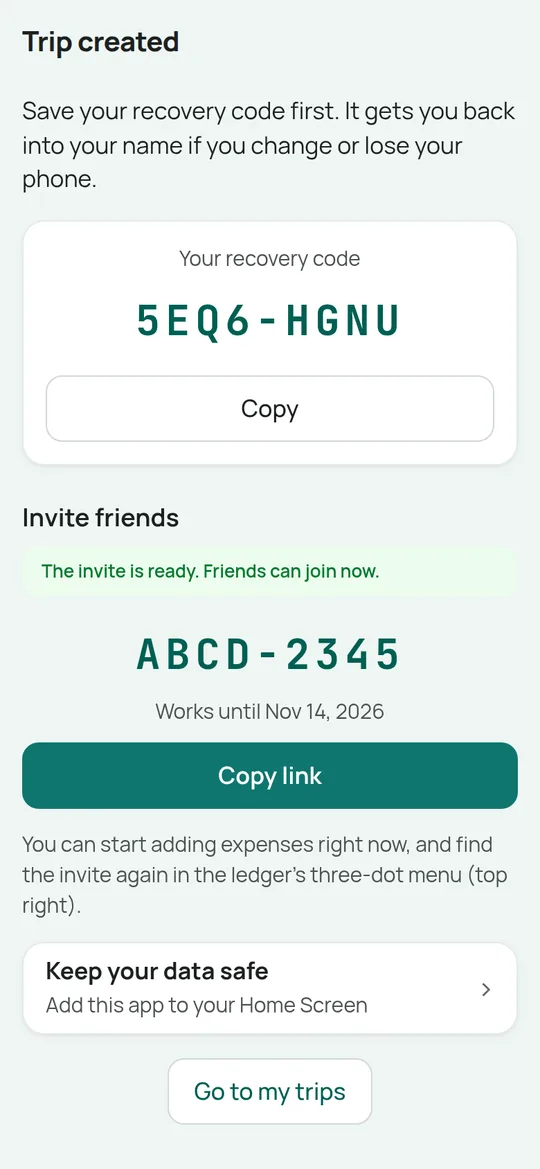
Ana starts the trip: a name, the dates, the currency to settle in, and who is going. She gets a recovery code for herself and an invite link for the group. Friends open the link, tap their own name and they are in, with no account to make.
Step 2: type what you paid, like a text message
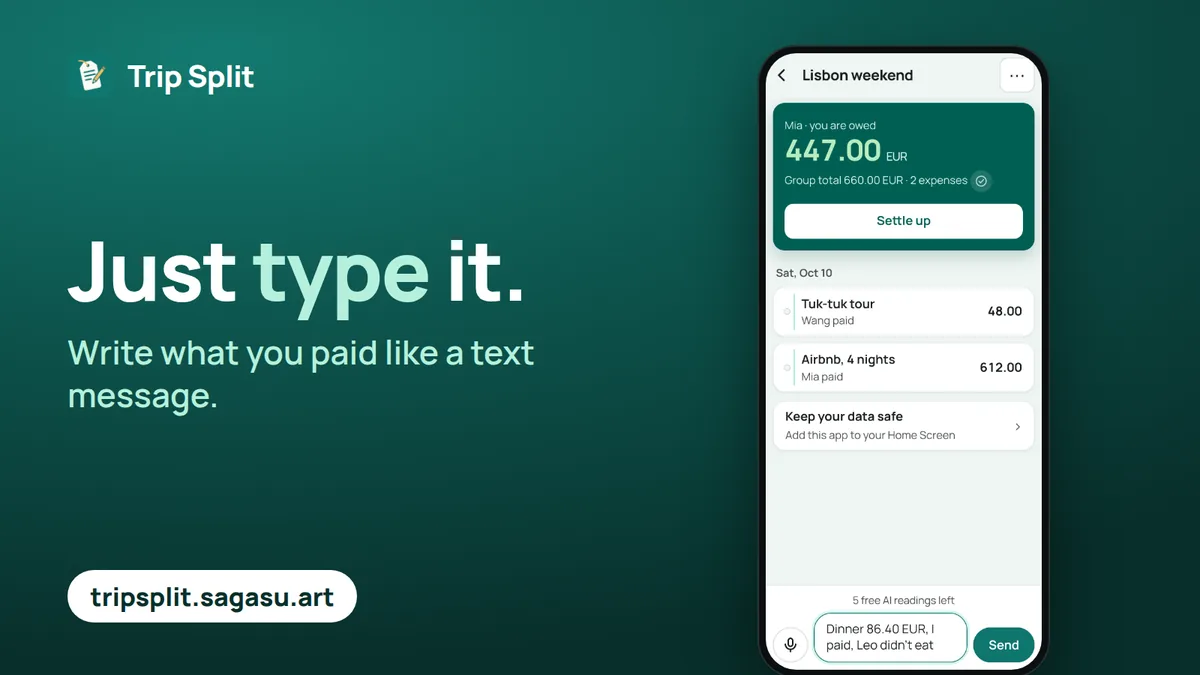
Instead of filling in a form, Mia types “Dinner 86.40 EUR, I paid, Leo didn’t eat.” The app reads the amount, the currency, who paid and who shared it.
Step 3: check the card, then confirm
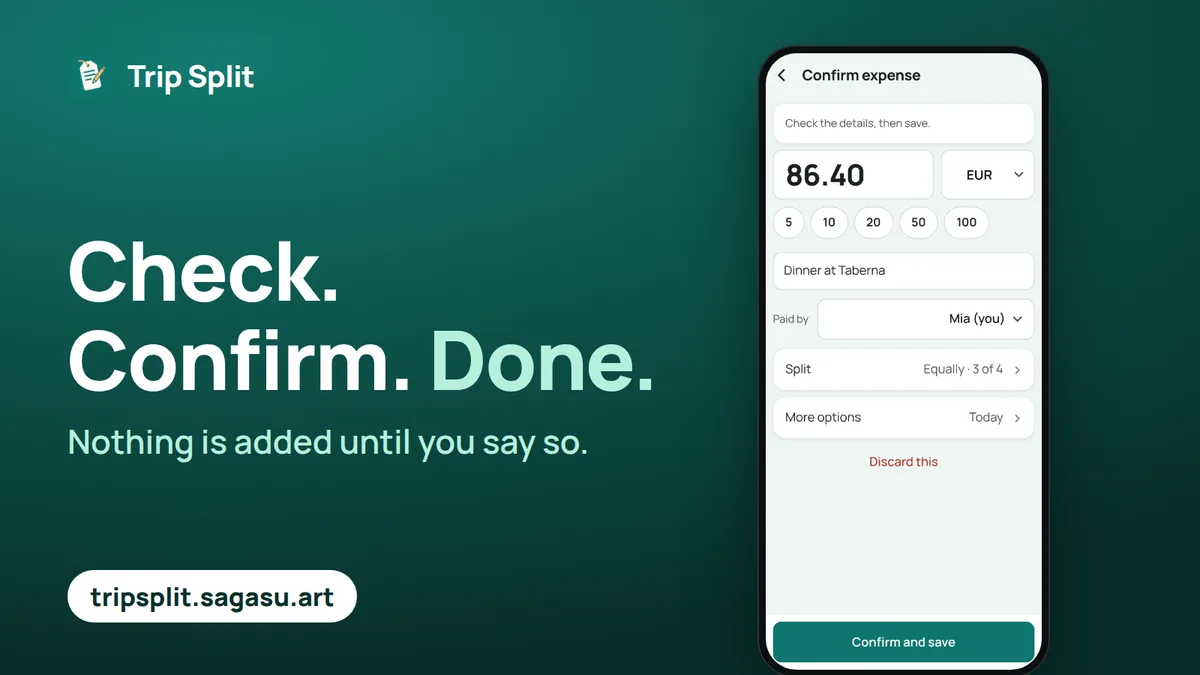
The sentence turns into a card with the details filled in. Nothing is added to the trip until Mia taps Confirm. If anything was read wrongly, it is highlighted and she can fix it on the card.
Step 4: say it, or photograph the receipt
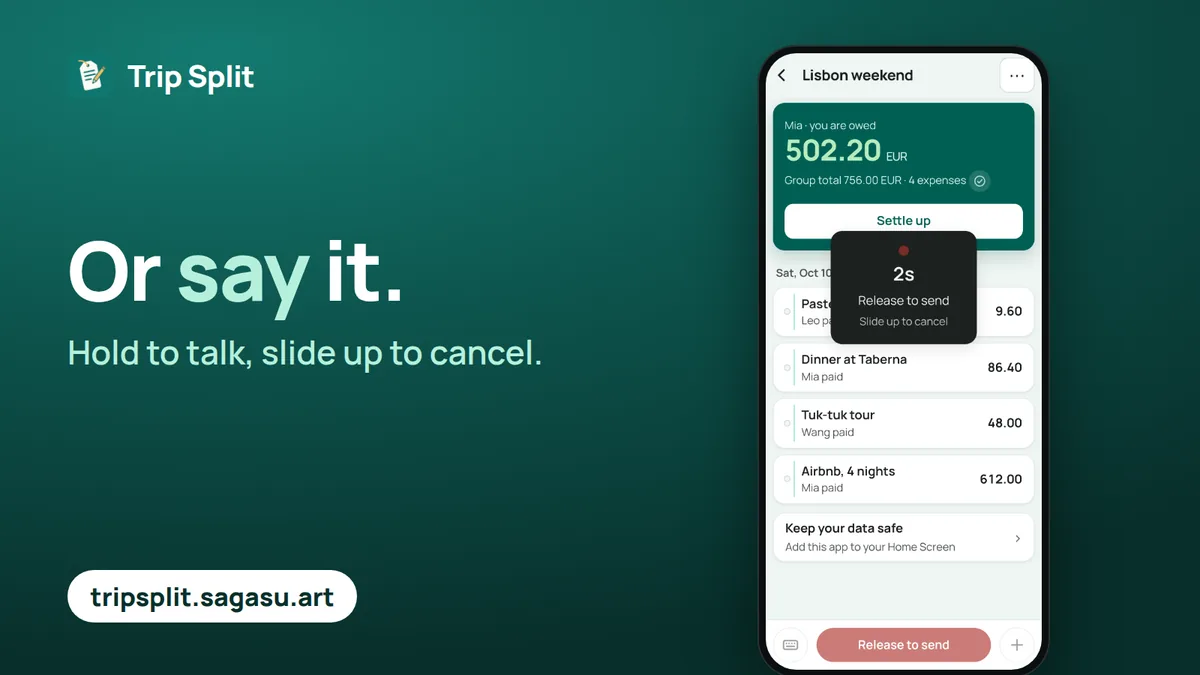
Hold the button and speak, or take a photo of the receipt. Leo photographs the pastry bill; the card appears the same way and he confirms it.
Step 5: no signal, no problem
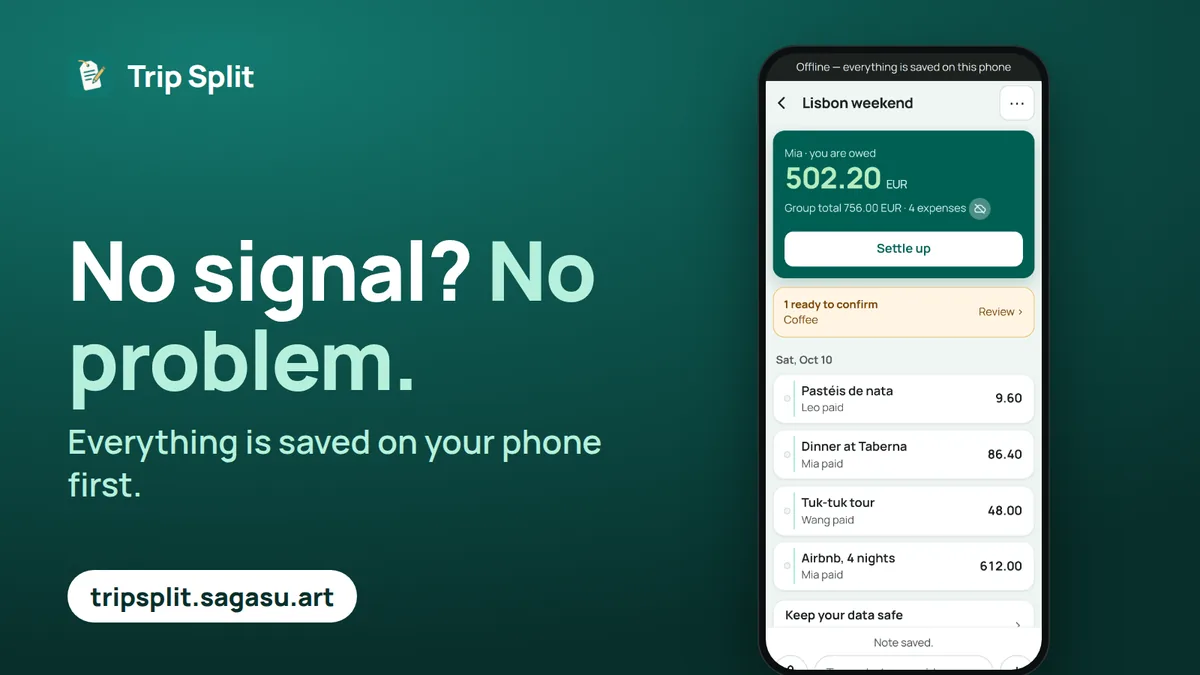
On the way to the beach there is no connection. Everything is saved on the phone first, so Mia can keep recording and it syncs when she is back online. A note typed offline waits and is read once there is a signal.
Step 6: cash and cards in another currency
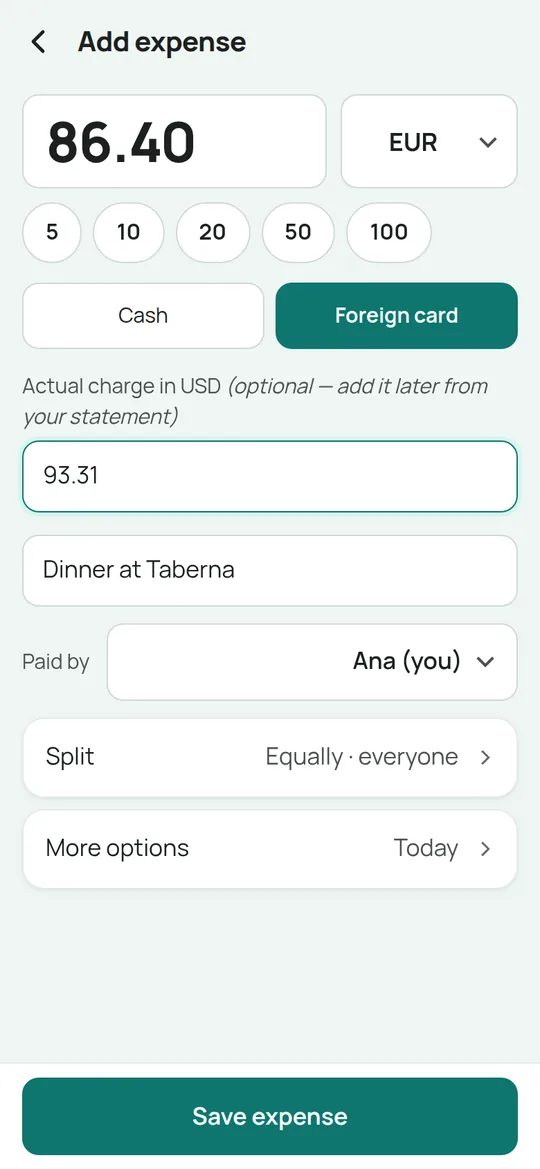
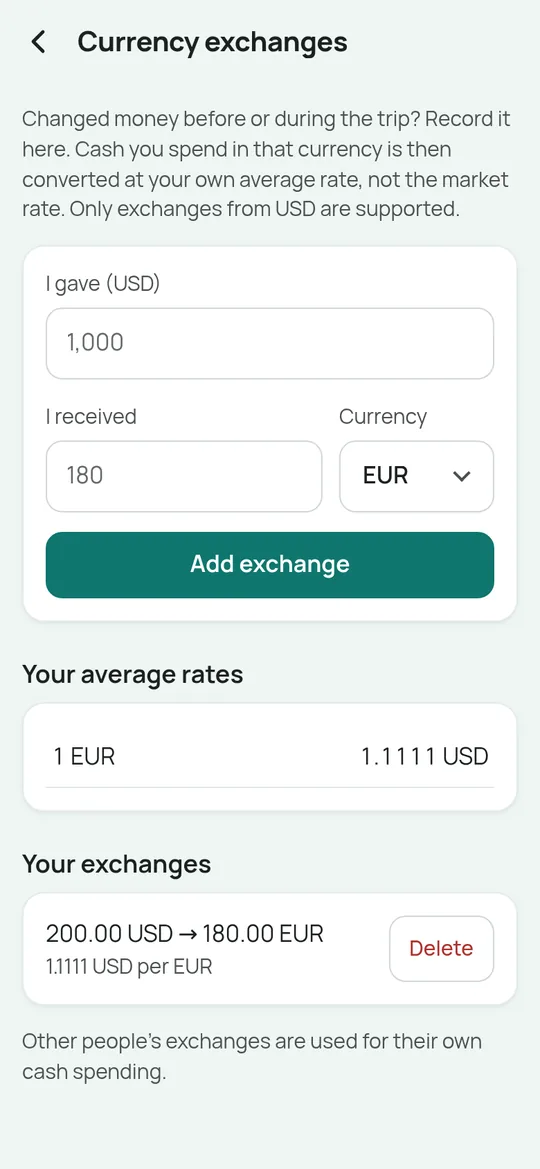
On a real trip you often pay in euros while settling in dollars. Each expense keeps the currency it was paid in and how it was paid, and it is converted once, using the rate that fits. A small example in dollars, with two friends, Ana and Ben:
| Payment | Paid in | Converted | Why |
|---|---|---|---|
| Dinner, 86.40 EUR, Ana | Card | 93.31 USD | The amount the card actually charged |
| Tuk-tuk, 48.00 EUR, Ben | Cash | 53.33 USD | Ben’s own average rate: he changed 200.00 USD into 180.00 EUR |
| Pastries, 9.60 EUR, Ana | Cash | 10.37 USD (estimated) | No exchange recorded, so the day’s rate of 1.08 is used and marked as an estimate |
More on this in how to split trip costs in different currencies and cash or card: how to record each.
Step 7: who owes whom
For each person the app adds up what they paid and subtracts their shares. A positive balance means they are owed money.
| Person | Paid | Their share | Balance |
|---|---|---|---|
| Mia | 701.90 EUR | 197.08 EUR | Is owed 504.82 EUR |
| Wang | 48.00 EUR | 197.08 EUR | Owes 149.08 EUR |
| Leo | 9.60 EUR | 168.27 EUR | Owes 158.67 EUR |
| Sam | 0.00 EUR | 197.07 EUR | Owes 197.07 EUR |
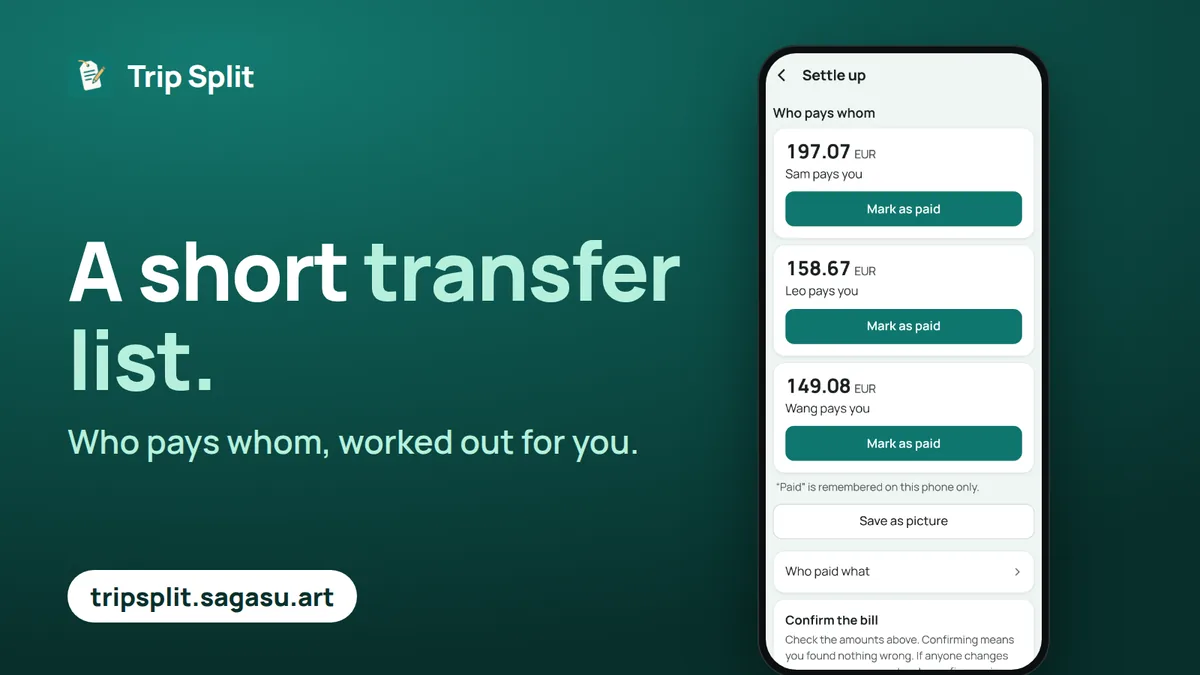
The balances become a short list of transfers:
- Sam pays Mia 197.07 EUR
- Leo pays Mia 158.67 EUR
- Wang pays Mia 149.08 EUR
Step 8: share the result
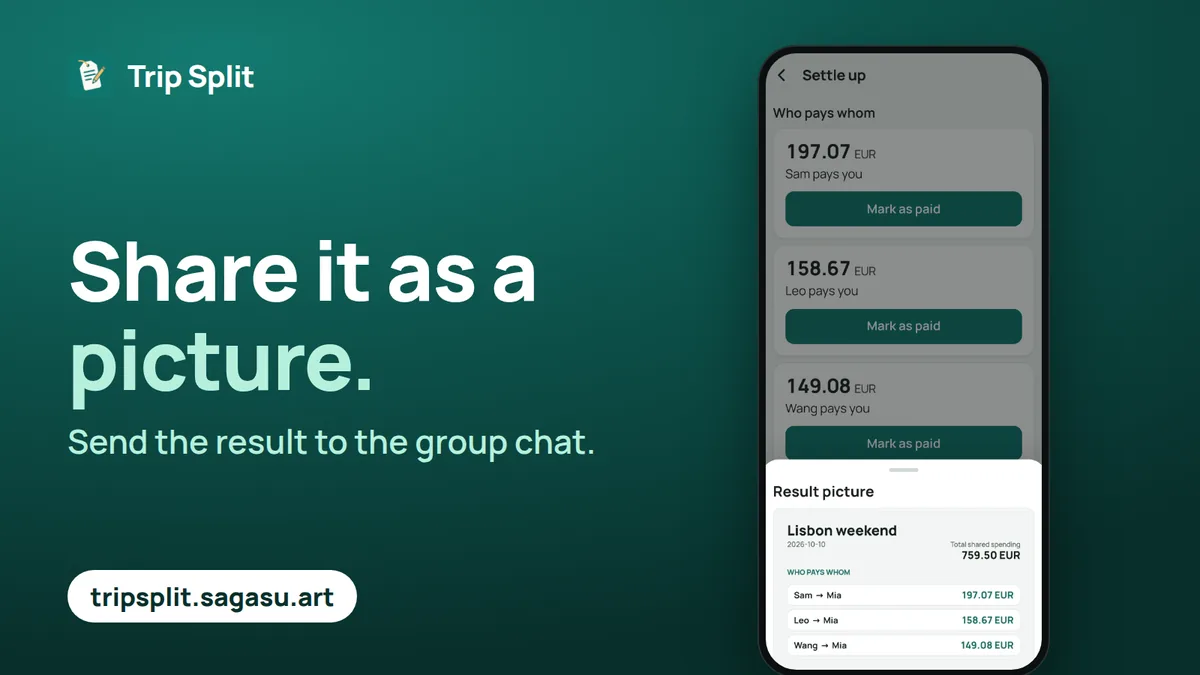
Everyone confirms the bill, and the result can be saved as a picture and dropped into the group chat. Trip Split never moves money; it only tells everyone how much to send.
Common questions
Is this a real trip?
No. The trip, the people and the amounts on this page are made up to show how the app works. Nothing here comes from a real person’s trip.
Are the numbers worked out by the app?
Yes. The balances and transfers on this page are calculated with the same functions the app uses, so they match what you would see.
Do my friends need an account to do the same?
No. They open your invite link, tap their name and start recording. Nobody signs up or installs anything.
Are the trip’s accounts public?
No. A real trip’s accounts are private to the people in it. This page only shows a made-up example.
What does it cost?
It is free to start: adding expenses by hand, balances and settling up are free. 10 USD once per trip unlocks unlimited quick notes, the full bill with a share link and CSV export. There is no subscription.
Try it on your own trip
Start a trip, add the names and send the invite link. You can also try the free split expenses calculator without signing up, or read the guides.
Last updated .